Your camera roll,
cut into a film.
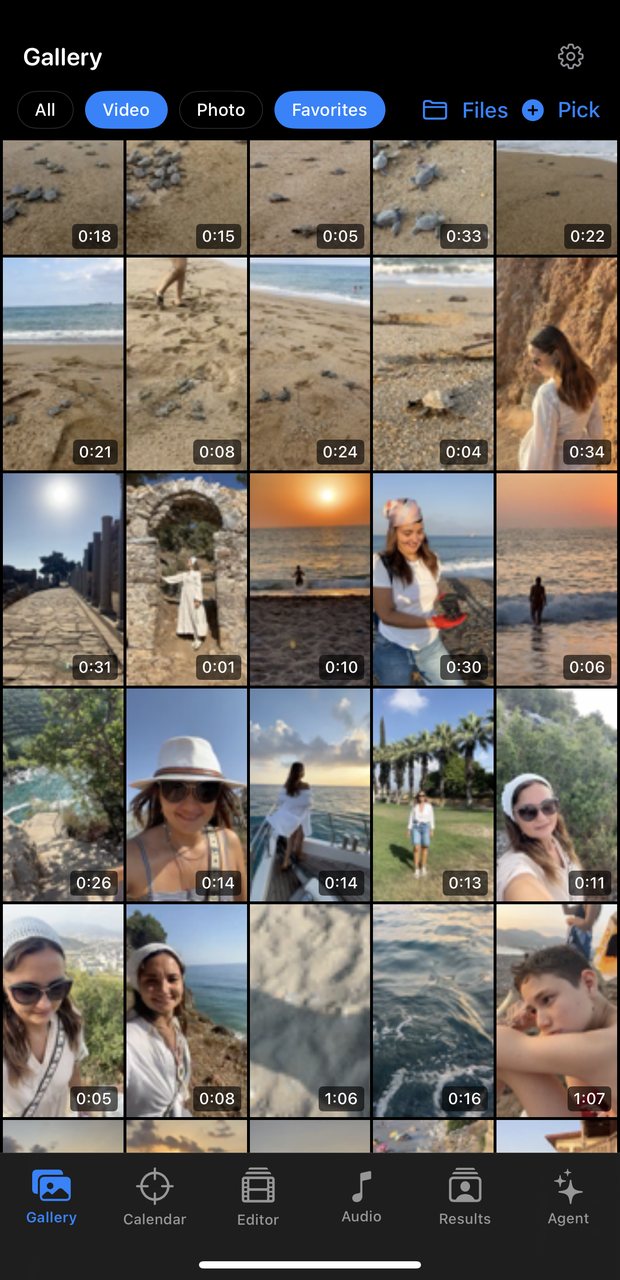
Hours of clips from a trip, a birthday, a year of a kid growing up. Life2Film watches every frame, keeps the moments that carry the story, and cuts them into something worth watching.
iPhone · works without an account · your videos stay on your device
Desktop beta · Apple Silicon · free
Three steps
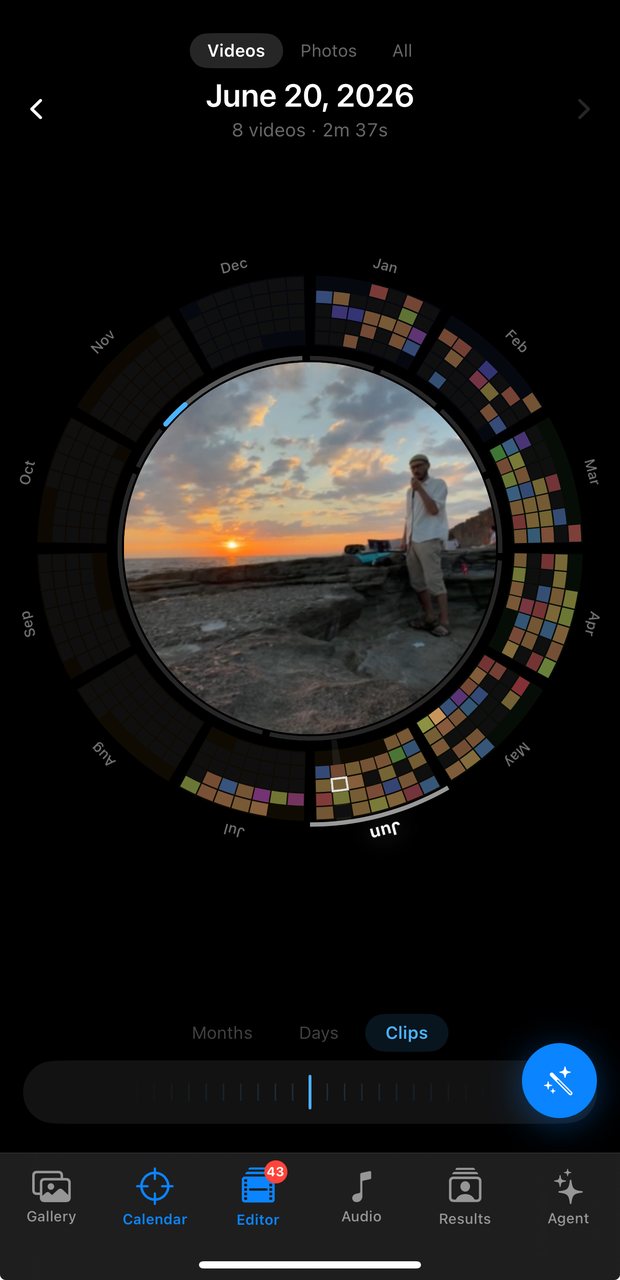
Pick a stretch of time
Spin the wheel to a day, a month, a trip. Life2Film pulls everything you shot then.
Say what you want
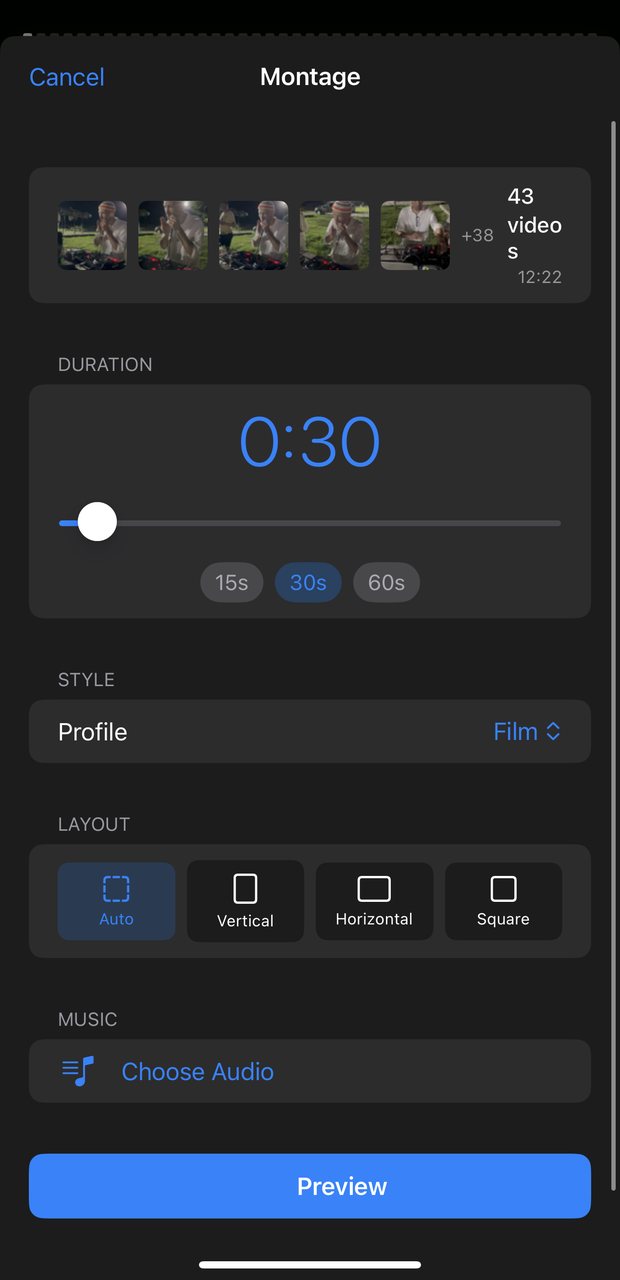
“Two minutes, keep the beach, skip the drive.” Plain language — no timeline, no dragging clips.
Watch it back
A cut with deliberate pacing. Not liked? Ask again and it re-cuts.
What it actually does
Finds the moments
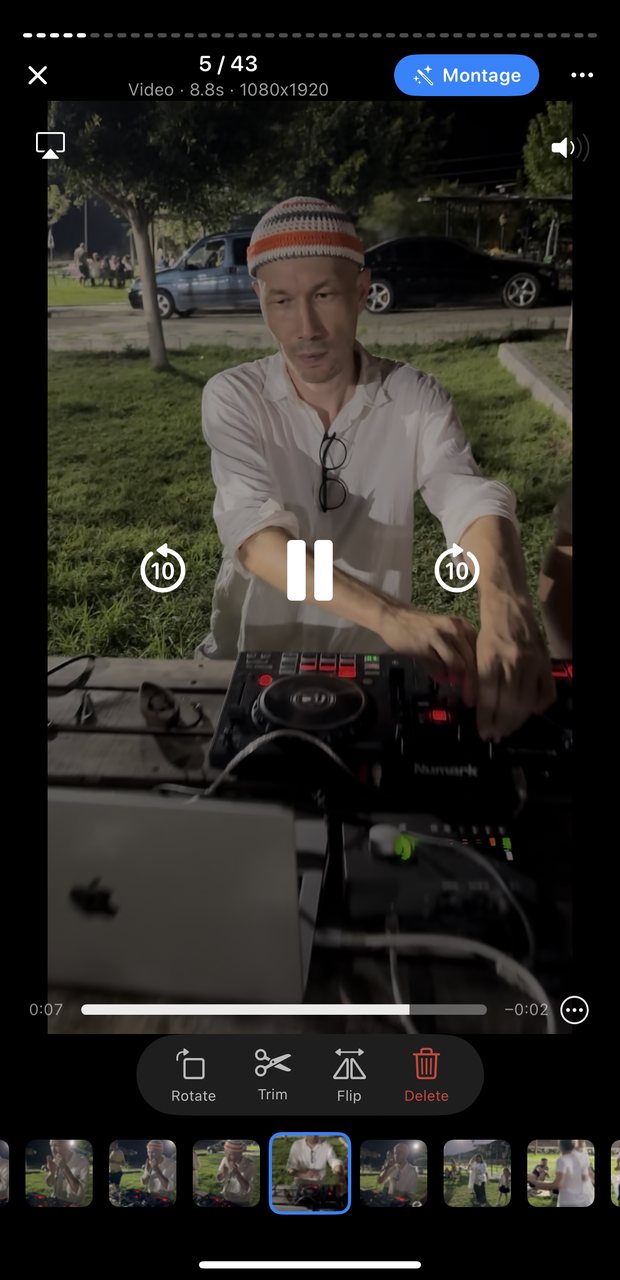
Scores every clip on motion, faces, framing and sound — then drops the shaky starts and the forty seconds of pavement.
Cuts to the beat
Beat detection lines the edits up with the music instead of cutting at random.
Knows who is who
Groups faces on device, so “the film about the kids” means the one about your kids.
Re-cuts on request
Change the length, the mood, what stays in. The agent recuts in seconds — no re-editing.
Inside the app
Privacy is the architecture
Your footage is personal, so it stays where it is. Scene detection, face grouping and scoring run on your iPhone. Originals are never uploaded, nothing trains a model, and there is no feed to post to.
When the AI director plans a cut, it sees a text description of the clips — timings and short labels. Never the video itself.